
2026
Quire
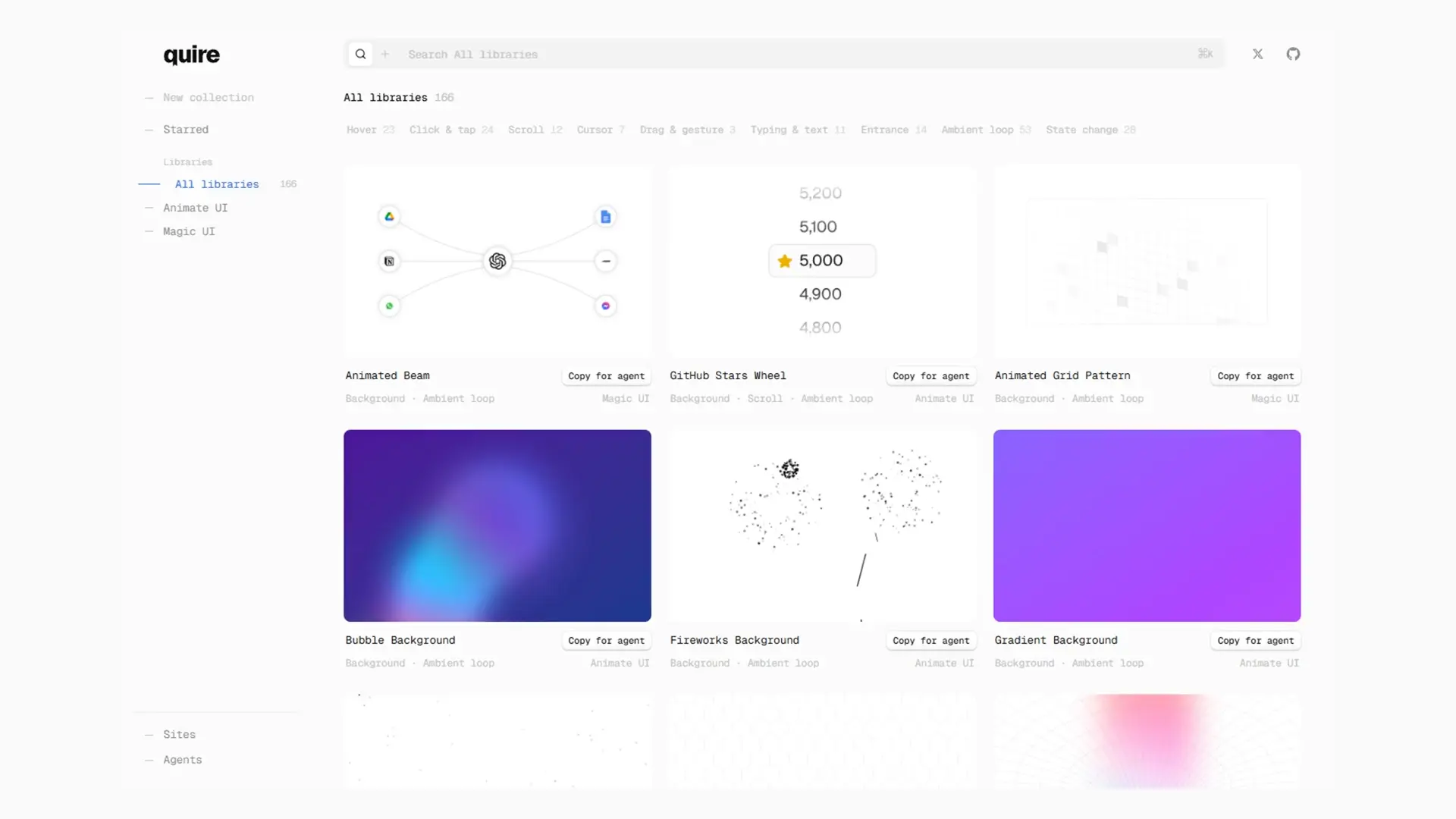
A gallery for the UI components you find on the web, with live previews, made to hand them straight to your AI agent.
The problem
Good UI components are everywhere: a library you saw on X, a hover effect in someone's portfolio, a button in a registry you'll never remember the name of. Bookmarks keep the link but not the thing. And when I finally ask an agent to build a page, it doesn't know any of them, so it reinvents a worse version.
What I built
Quire is a gallery for UI components. You start from a curated catalog or from scratch, add components and whole libraries by link, star the ones worth keeping, and give your agent everything it needs to use them.
- A curated catalog. 166 components from Magic UI and Animate UI, read from each library's registry, every preview rendered and checked by hand.
- Previews that move. Cards loop a short clip of the component. Hover one and the real component runs inside the card, live, with a menu for its variants.
- Sorted by motion. Filter by what drives each component: hover, click, scroll, cursor, drag, typing, entrance, ambient loop or state change.
- Copy for agent. Every card copies a ready-to-paste brief: what it is, its docs, how to install it and its Quire id.
- MCP for agents.
/api/mcpserves the catalog or your own library, with tools likerecommendandget_component_source. Ask for "a pricing page with a playful toggle" and the agent picks real references. - One bar for search and add. Paste a link and Quire reads the library's registry, pages or sitemap and sorts what it finds.
- Chrome extension. Save the component you're looking at, or the whole library, without leaving the page. On X it sits next to the bookmark button.
Under the hood: Next.js 16, React 19, Tailwind CSS 4, Radix and cmdk, a WebGL2 hero, deployed on Cloudflare Workers through OpenNext. Previews come from a separate stage that installs each component's own demo into a neutral Vite app and films it in light and dark.
Result
It's live at quire.fyi and open source under MIT. Nothing to sign up for: your library lives in the browser, and the MCP works from one command.
More work
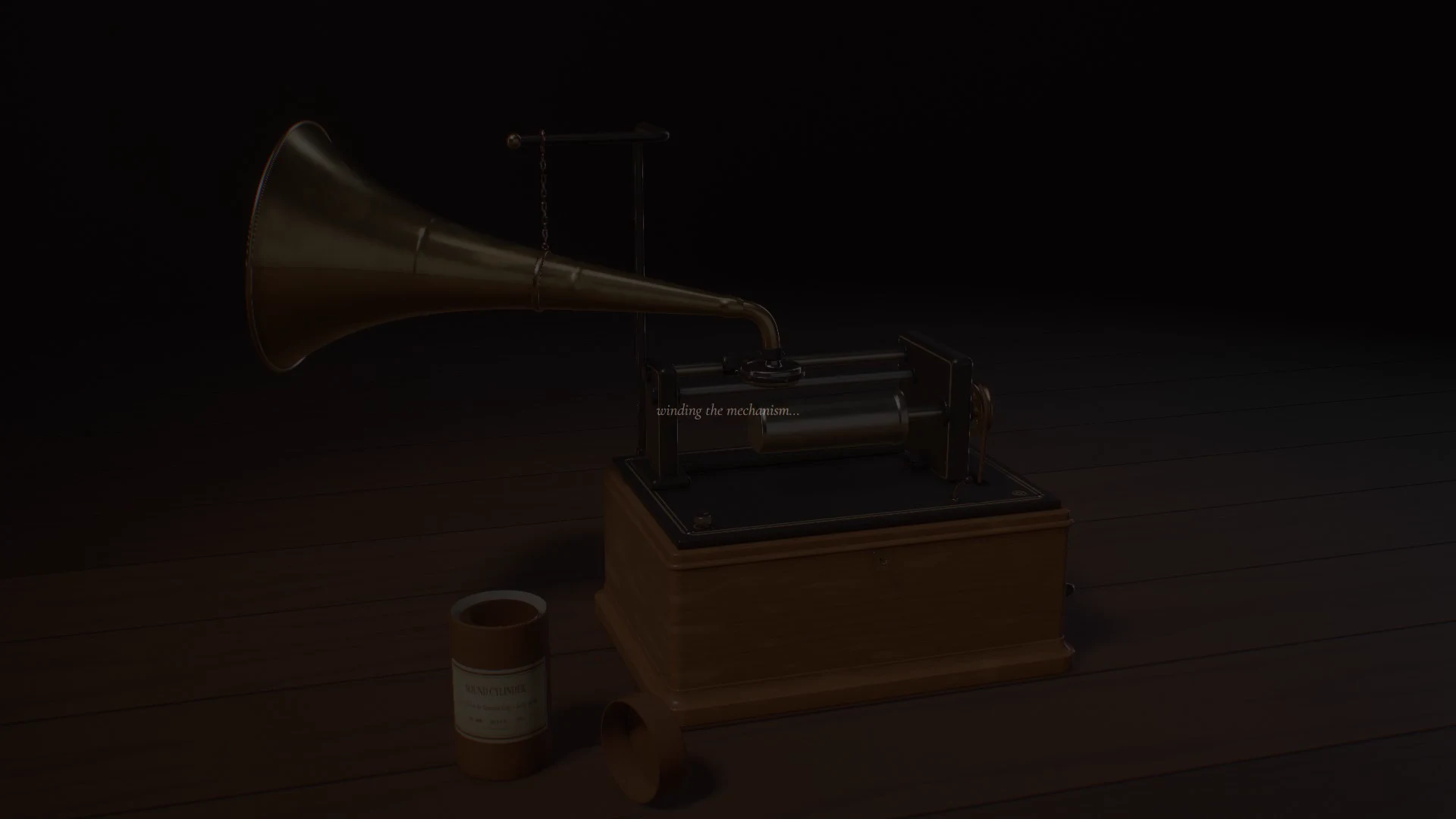
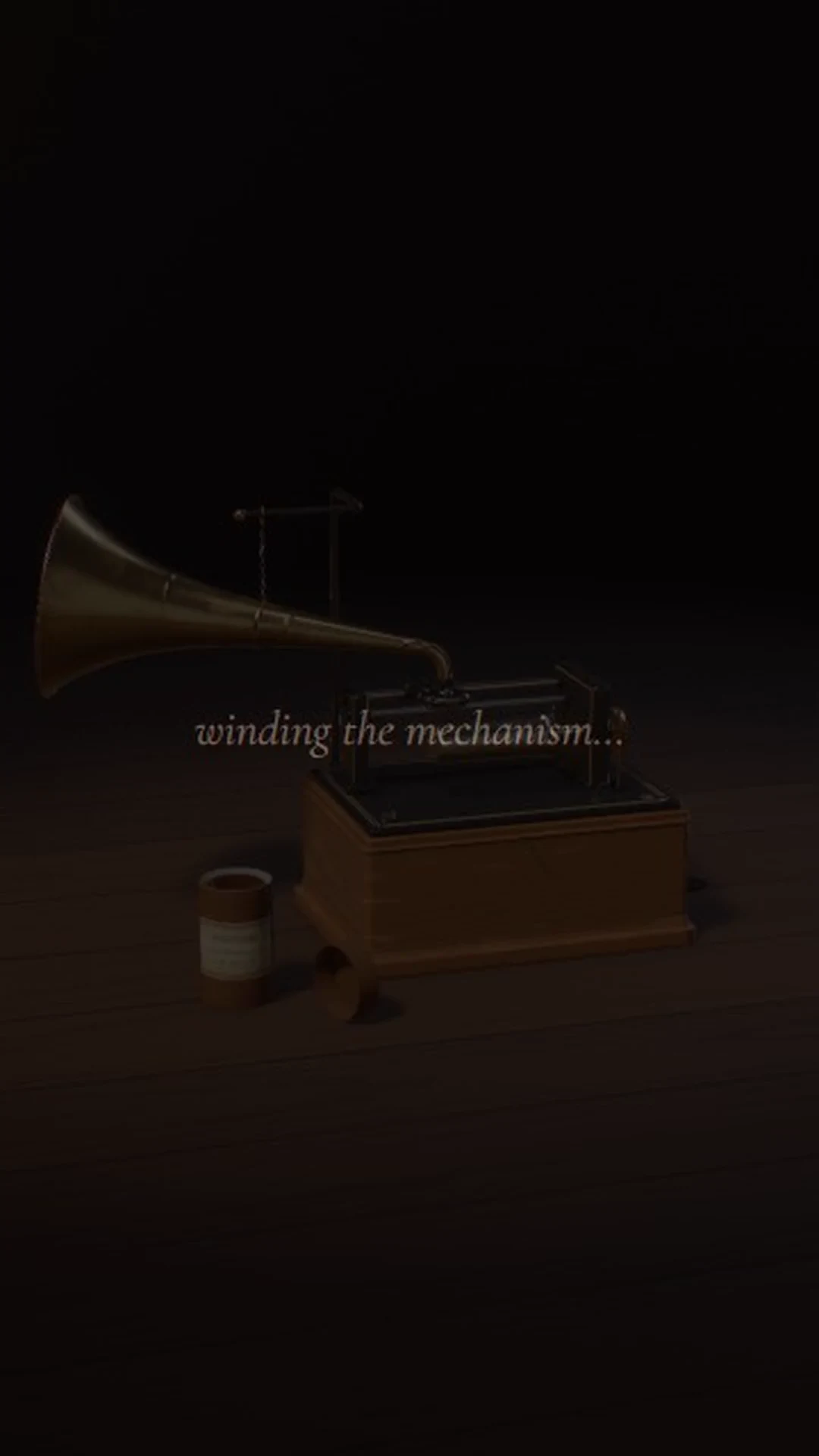
An Edison wax-cylinder phonograph simulated from the groove up in the browser, for anyone curious how sound lived before electricity.
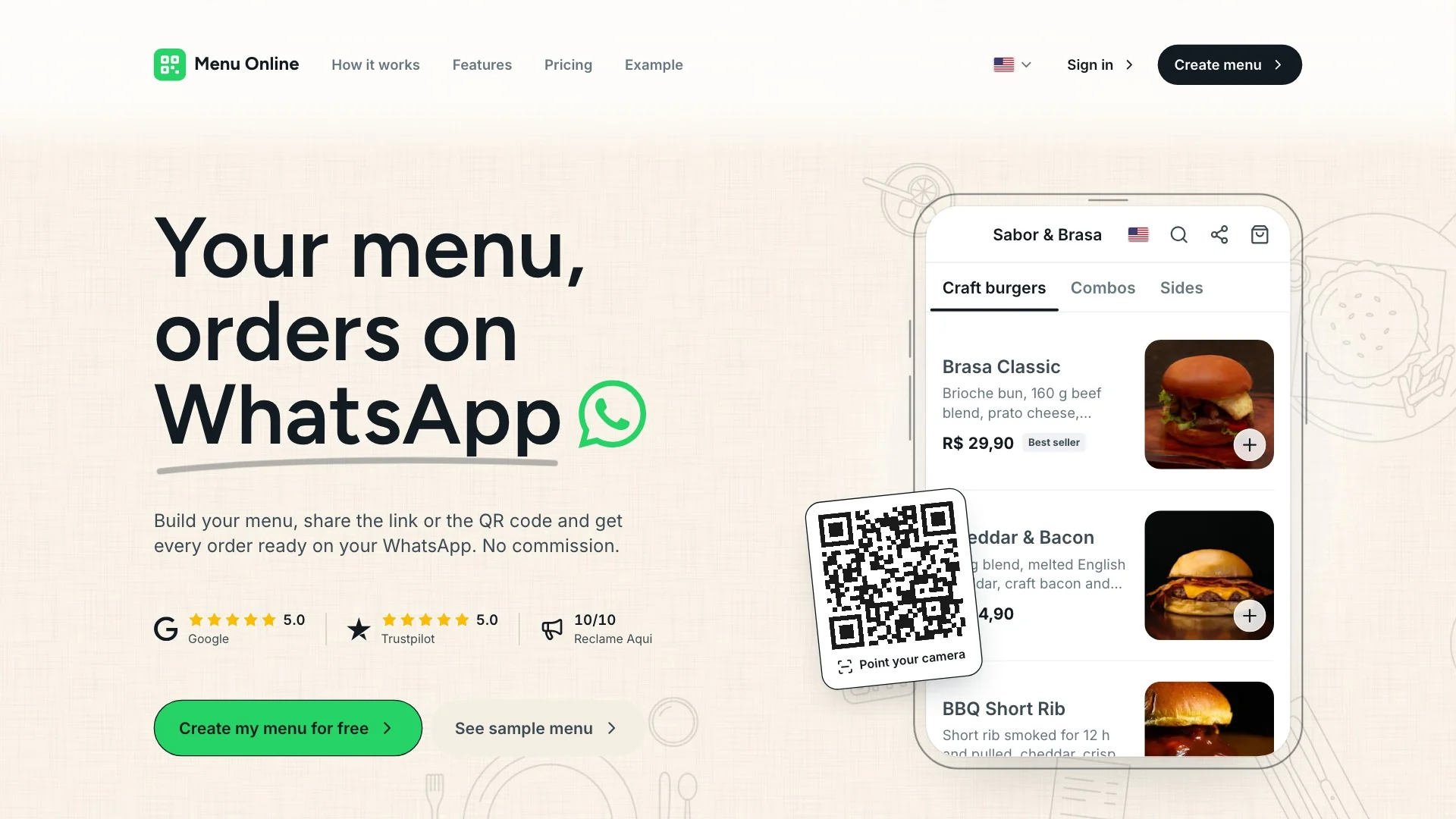
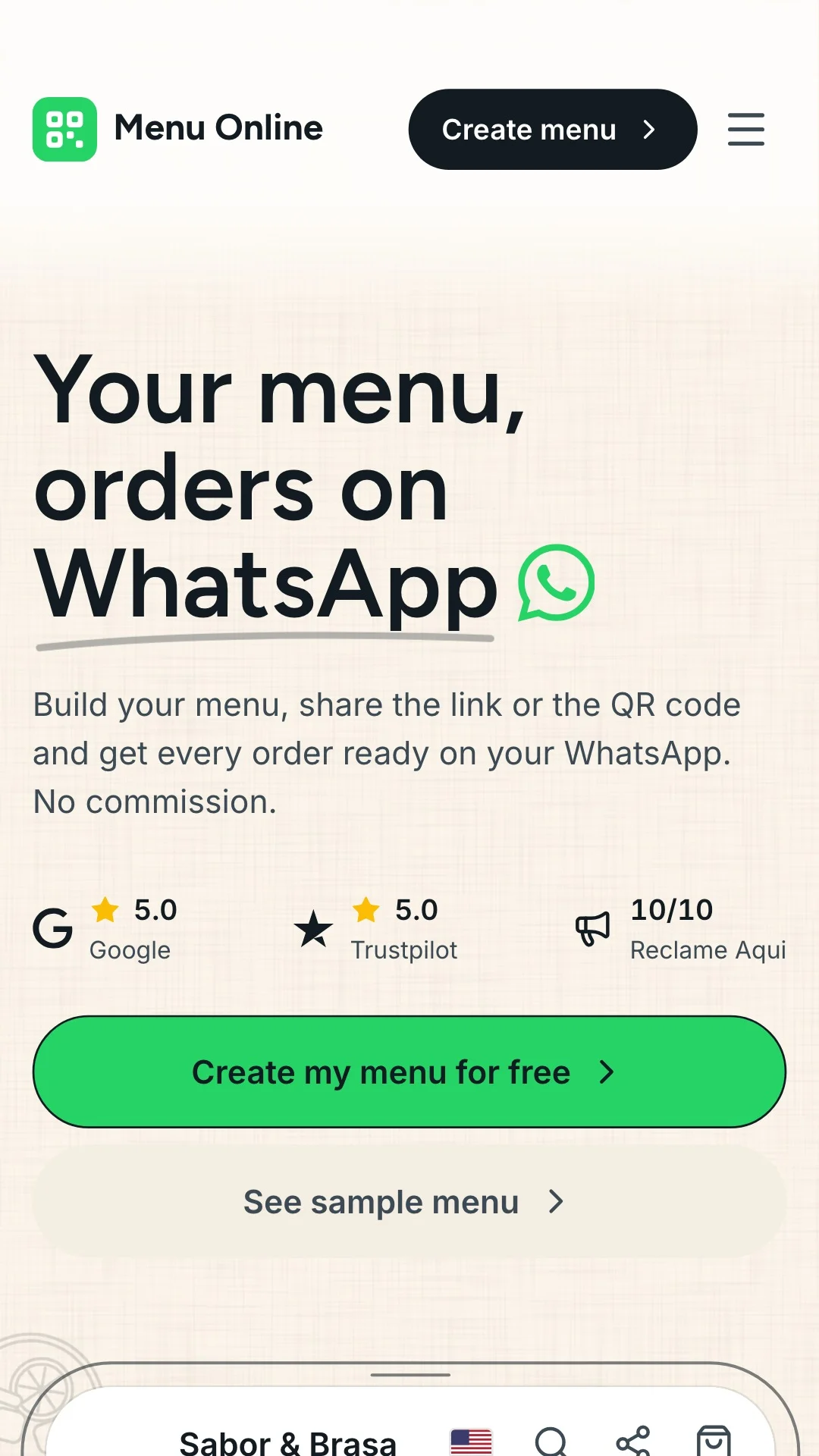
A digital menu for restaurants that turns orders into ready-to-send WhatsApp messages, with no commission.
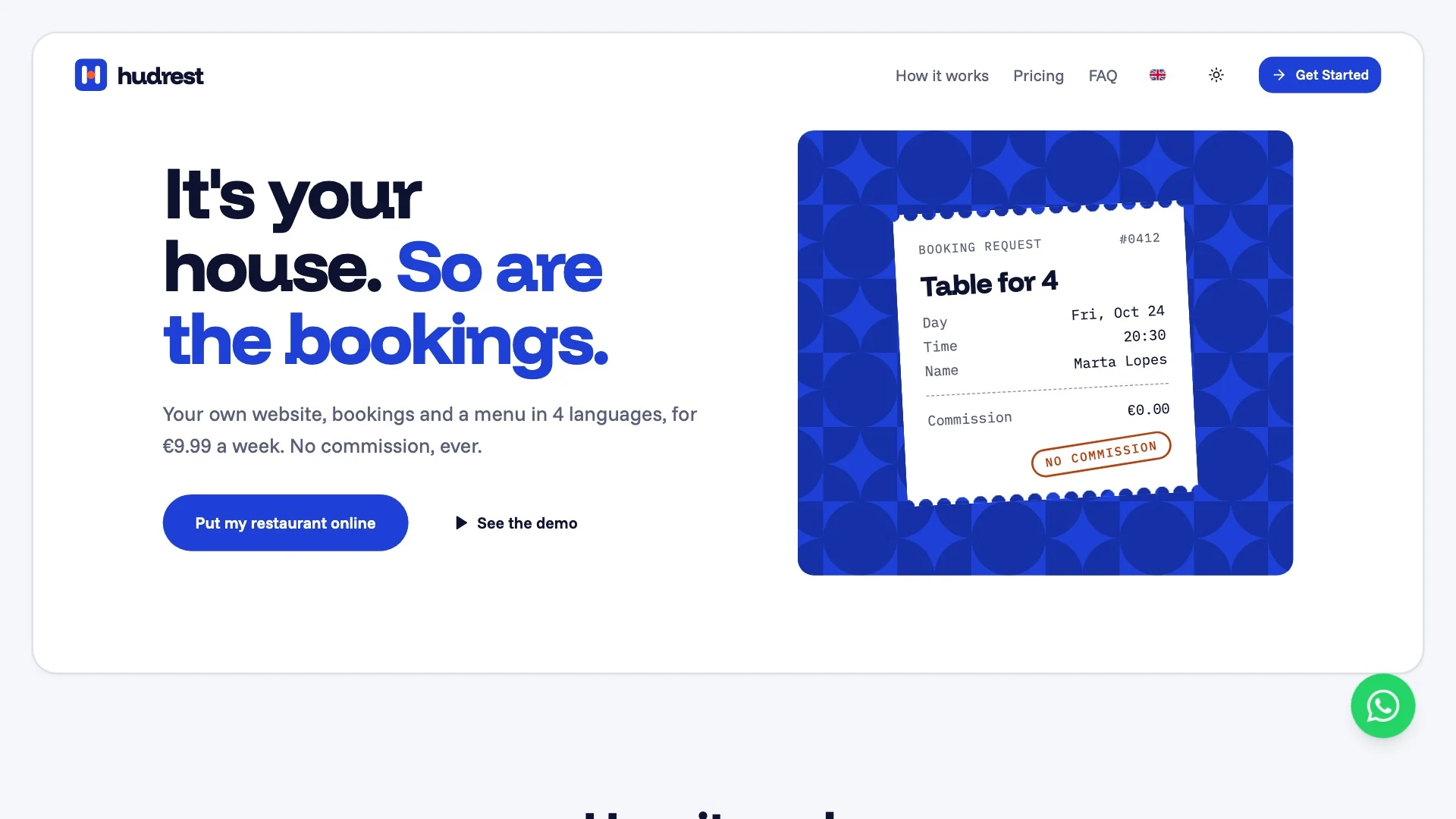

Websites, bookings and an AI menu for independent restaurants, for a flat weekly price and no commission.
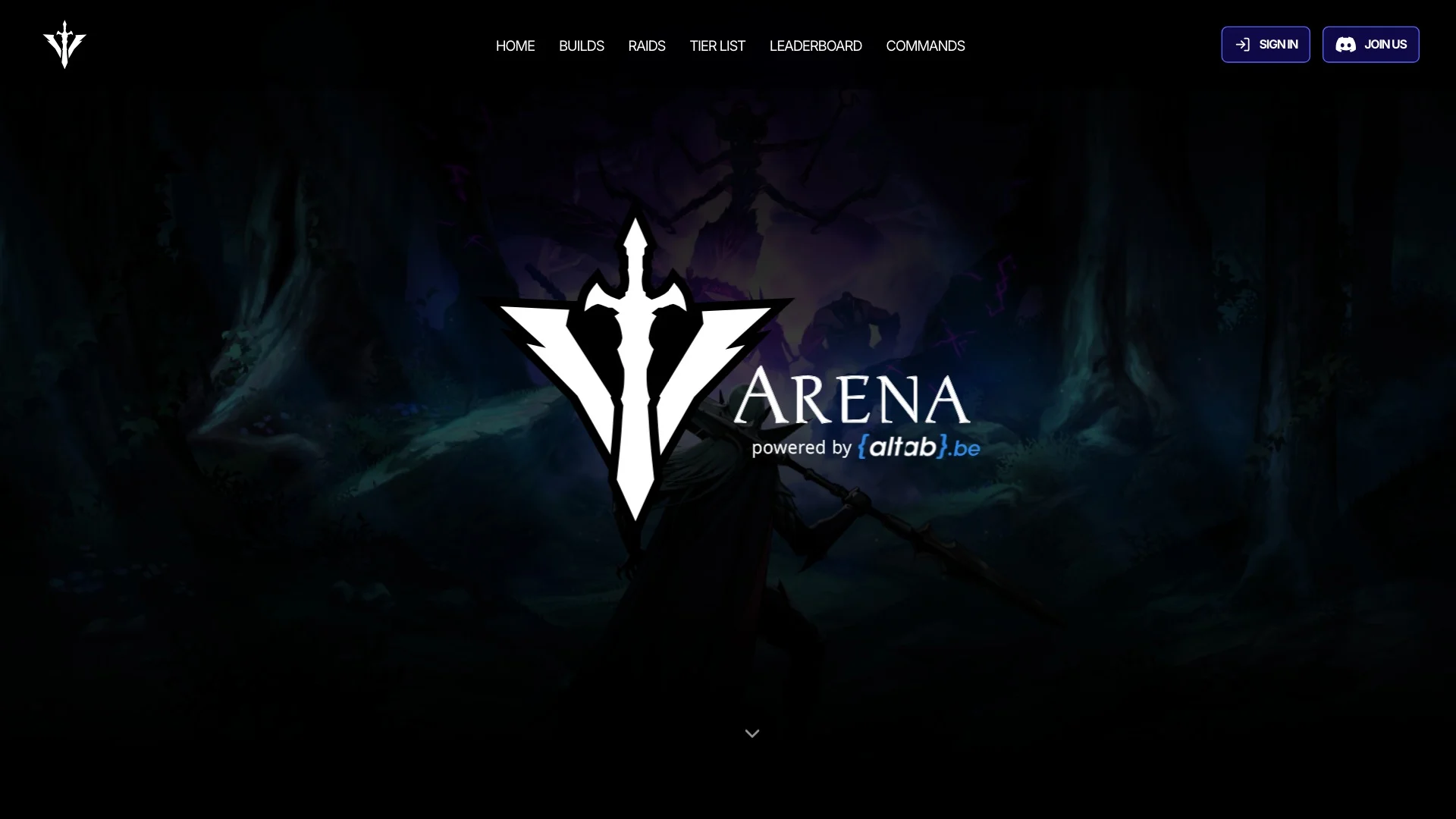

The website of a V Rising community server: build creator, command generator, raids and regional leaderboards.